You can create an account on our service desk, so you can track your open and historical tickets. You do not need to create an account to submit a ticket.
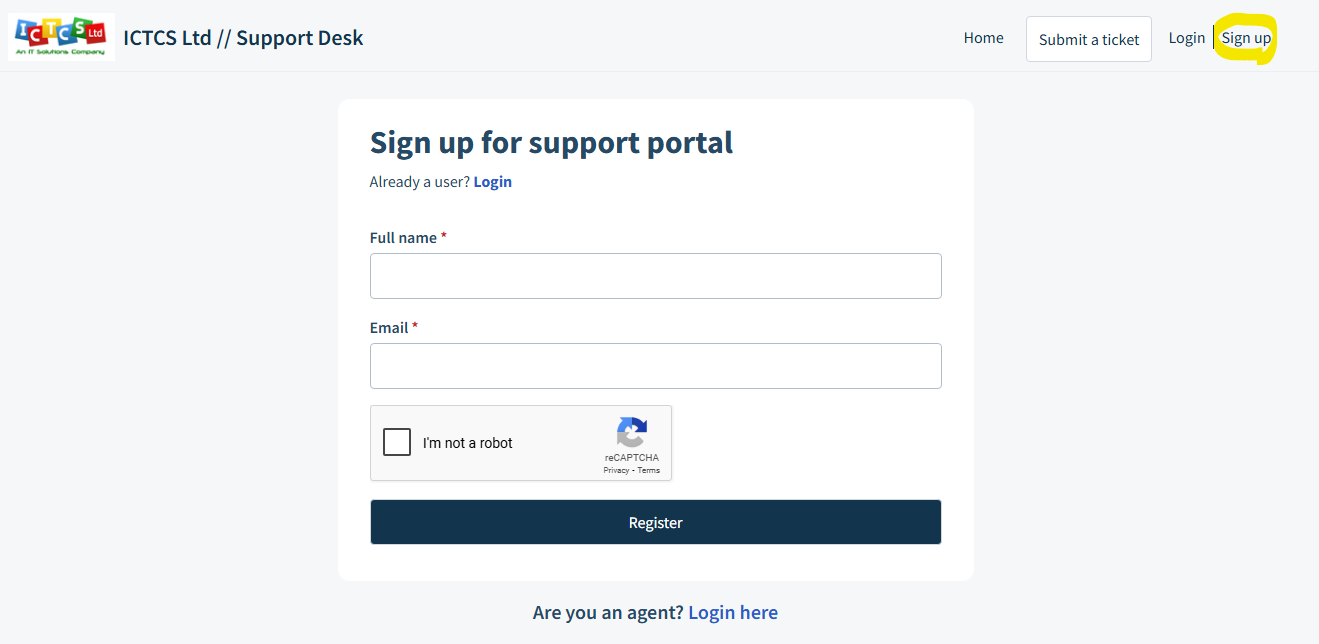
Click on the sign-up link in the top right hand corner (circled in yellow), or click here: https://ictcsltdco.freshdesk.com/support/signup
Enter your name and email address, click the robot checkbox and click on Register.
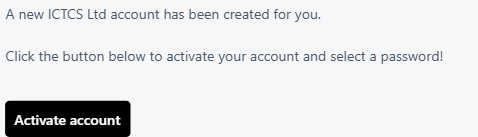
You will receive an email, with a link to: Activate Account:
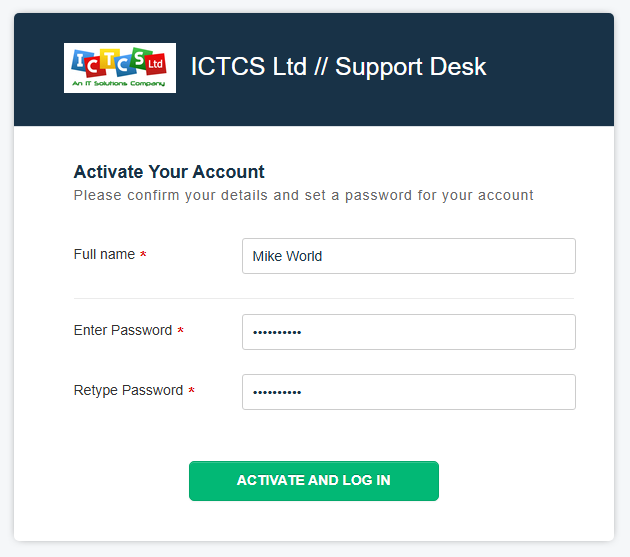
Enter your name and a memorable password:
Thats it, you are now registered to access the Support Desk portal.
Was this article helpful?
That’s Great!
Thank you for your feedback
Sorry! We couldn't be helpful
Thank you for your feedback
Feedback sent
We appreciate your effort and will try to fix the article